
You must enter a unique System Name. System Names for Audio objects have a set pattern: they start with "IAL" for "Internal Audio Listener", "IAB" for "Internal Audio Buffer", or "IAS" for "Internal Audio Source".
There are separate panes for adding each of the different types:
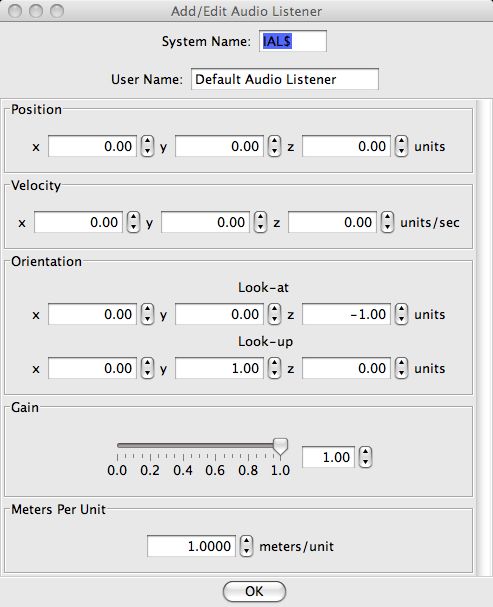
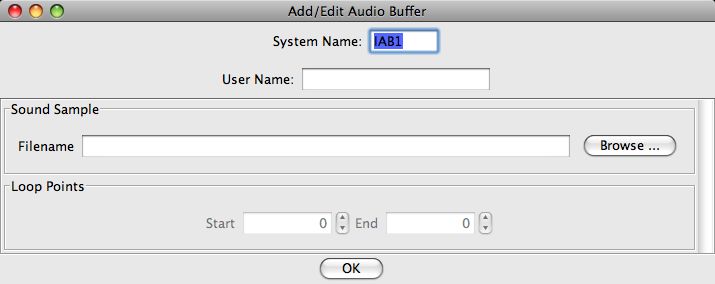
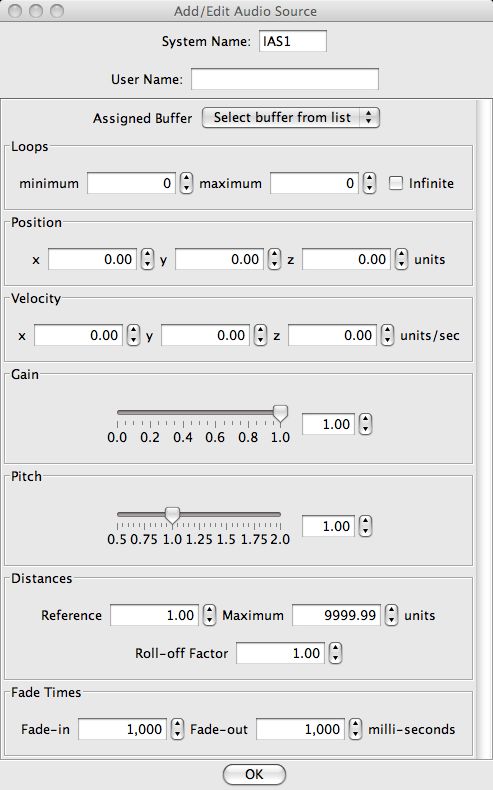
The User Name is optional, but if given has to be unique.
Back to the Audio Table help page.
For more information on Audio objects, see the Audio help page.